
How Japanese Input Methods Influence Modern Writing
The reader can explain how Japanese IMEs influence what people write, how they spell names, and which kanji variants appear.
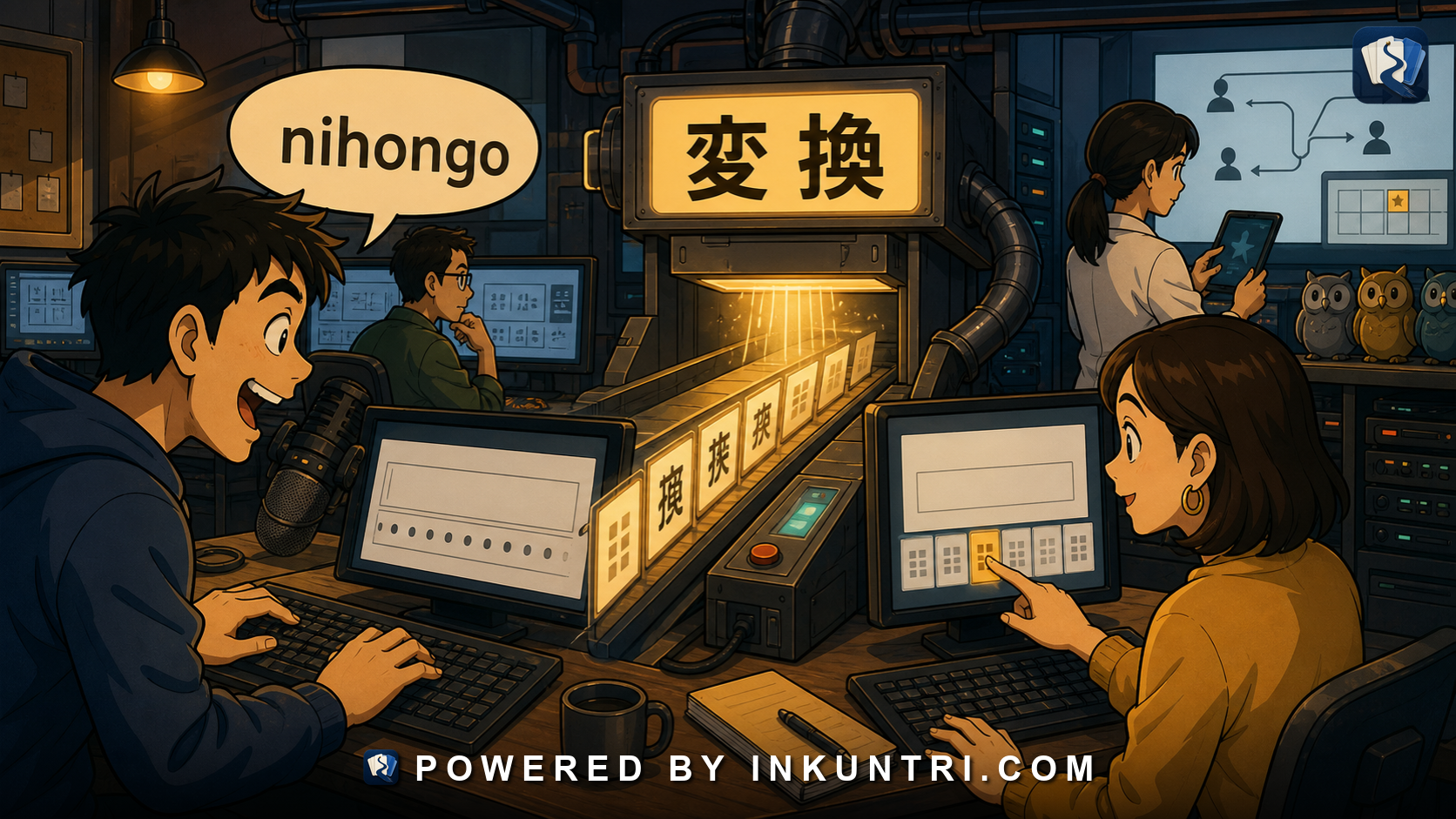
Core examples: IME, 変換, 予測入力, かな入力, ローマ字入力, はし→橋/箸/端, 斉藤/齋藤.
Typing Japanese is not just pressing keys
Modern Japanese writing is deeply shaped by input methods. Most people do not type kanji directly. They type sounds, then choose written forms from conversion candidates.
You type:
nihongo
The system gives:
にほんご 日本語
You type:
hashi
The system may offer:
橋 箸 端 はし
You type a name, and the system may offer several kanji variants. You type a common phrase, and predictive input may complete it. You type casually, and the IME may remember your habits. You type a rare character, and it may be hidden deep in the candidate list.
This means digital Japanese is not simply handwritten Japanese on a keyboard. It is mediated by the IME, the input method editor.
The key principle:
Japanese typing is a cycle of sound input, conversion, candidate selection, and confirmation.
That cycle influences spelling, errors, names, style, and even what forms people choose to write.
What an IME does
IME stands for Input Method Editor. In Japanese, it lets users enter text that cannot be typed directly on a simple Latin keyboard.
The basic process:
- Type a phonetic input.
- The IME displays kana.
- Press conversion.
- Candidate kanji, kana, katakana, symbols, names, and phrases appear.
- Choose the desired candidate.
- Confirm.
For example:
Input:
kyou wa nihongo o benkyou shimasu
Potential output:
今日は日本語を勉強します。
The user did not type each kanji stroke. The user typed sounds and selected or accepted conversions.
This is why reading Japanese and typing Japanese are related but different skills. You may recognize kanji but fail to produce them quickly. You may type a word correctly because the IME offers it, while still being unable to handwrite it. You may choose the wrong homophone because the IME’s first suggestion looked plausible.
Rōmaji input vs kana input
There are two major ways to input Japanese phonetically.
Rōmaji input
With rōmaji input, users type Latin letters that correspond to Japanese sounds:
ka → か shi → し tsu → つ kyou → きょう
This is common among learners and many native users, especially on QWERTY keyboards.
Kana input
With kana input, keys correspond directly to kana. This can be faster for trained users because one key can produce one kana, but it requires learning a different keyboard layout.
Learners usually start with rōmaji input because it is accessible. That is fine. But rōmaji input can also reinforce romanization habits that do not match kana spelling, especially with long vowels, particles, and double consonants.
Typing Japanese well means eventually thinking in Japanese phonological units, not English spelling.
Conversion: 変換 as literacy moment
変換 means conversion. In Japanese typing, conversion is where the IME turns phonetic input into kanji, katakana, symbols, or phrase candidates.
This is where errors happen.
If you type はし, the IME must decide what you mean:
- 橋 — bridge
- 箸 — chopsticks
- 端 — edge/end
- はし — hiragana form
If you type こうしょう, you may get candidates such as:
- 交渉 — negotiation
- 高尚 — refined
- 校章 — school emblem
- 工場? No, that is こうじょう.
- 公証 — notarization
The IME is powerful, but it is not mind-reading. It uses dictionaries, frequency, context, user history, and predictive models. The user must still choose correctly.
Typing becomes a reading test: can you recognize the right candidate?
Homophone traps
Japanese has many homophones, especially in Sino-Japanese vocabulary. IME conversion makes these visible.
A learner may know the pronunciation but choose the wrong kanji compound.
Examples:
- かんしょう: 鑑賞, 感傷, 干渉, 観賞
- せいこう: 成功, 精巧, 性交, 製鋼
- こうか: 効果, 高価, 硬貨, 校歌
- いし: 医師, 意思, 石, 遺志
- あつい: 暑い, 熱い, 厚い
The spoken language disambiguates through context. The written language requires the correct character choice. The IME will offer options, but the writer must know which one fits.
For learners, IME candidate lists are useful study tools. They reveal word families, homophones, and spelling distinctions.
Predictive input: 予測入力 and writing habit
Modern IMEs do more than convert. They predict.
You type a few kana, and the system suggests a full word, phrase, emoji, name, address, or previous expression. This speeds up writing but also shapes it.
Predictive input can:
- encourage common phrases,
- surface frequently used words,
- preserve your personal spelling habits,
- autocomplete politeness formulas,
- suggest emoji or symbols,
- remember names,
- increase consistency,
- create embarrassing wrong completions,
- make rare forms easier if previously used.
In business email, predictive input may offer:
お世話になっております よろしくお願いいたします ご確認ください
In casual texting, it may offer slang, emojis, nicknames, or repeated personal phrases.
This means modern Japanese writing is partly co-authored by the input system. That is not sinister. It is just how digital writing works.
IME and names: useful, dangerous, necessary
Names are one of the hardest IME tasks.
You type さいとう and may see:
斉藤 斎藤 齋藤 齊藤
You type たかさき and may need:
高崎 髙崎 高﨑 髙﨑
A normal conversion candidate may not match the person’s official spelling. The correct variant may exist but be buried. Some systems may not support it. Some fonts may display it poorly. Some databases may normalize it.
This creates real consequences in email, contracts, certificates, school records, reservations, and customer databases.
The respectful workflow:
- Ask or copy the person’s official spelling.
- Use the exact variant when identity matters.
- Add it to your user dictionary if needed.
- Do not rely on the first IME candidate.
- Preserve furigana and kanji together.
Names are where IME literacy becomes social competence.
User dictionaries: teaching your IME
Most Japanese input systems allow custom dictionary entries. You can teach the IME:
- names,
- company names,
- specialized terms,
- abbreviations,
- project names,
- email formulas,
- rare kanji,
- preferred variants.
For example, if you often type a name with 髙, registering the reading and spelling can save time and prevent errors. If your company uses a special product name, register it. If you write language-learning articles, register recurring terms.
For serious learners, a user dictionary can become a productivity tool. But it can also hide weakness if you use it to avoid learning. The best use is for exact forms that matter, not for replacing vocabulary study.
Kana, kanji, and style choice while typing
IME conversion makes script choice easy. You can leave a word in hiragana, convert it to kanji, choose katakana, or select a stylized form.
Input:
kawaii
Possible outputs:
かわいい 可愛い カワイイ
The IME does not decide the tone for you. You decide whether you want softness, kanji anchoring, or katakana emphasis.
This is why IME literacy connects to orthographic literacy. Typing Japanese is not just “getting kanji right.” It is choosing the form that fits the message.
Wrong conversions: 誤変換 as modern typo
Japanese has a special class of digital error: wrong conversion, or 誤変換.
A sentence may be phonetically correct but visually wrong because the IME selected the wrong kanji.
For example:
きょうはいしゃにいきます
Could become:
今日は医者に行きます。 Today I’m going to the doctor.
or:
今日は歯医者に行きます。 Today I’m going to the dentist.
or if segmented strangely, something less appropriate.
Classic wrong-conversion humor relies on this: the sound is plausible, but the kanji meaning becomes absurd.
For learners, wrong conversions are dangerous because they may not notice the wrong candidate. Native speakers catch many such errors through reading experience. Learners must deliberately proofread.
Proofreading Japanese includes checking conversion choices.
IME and handwriting knowledge
Because IMEs produce kanji from phonetic input, some learners stop handwriting entirely. That is understandable, but it has costs.
Typing can give the illusion of kanji knowledge. You may be able to produce a character by typing its reading and selecting it, but not know its components, stroke order, or difference from similar characters.
This matters when:
- reading handwriting,
- recognizing variants,
- catching wrong conversions,
- using radical lookup,
- understanding component families,
- filling paper forms,
- remembering characters without a screen,
- distinguishing similar candidates quickly.
You do not need to handwrite every character daily, but some handwriting and component awareness improves IME use. It makes you better at choosing candidates.
IME on phones: flick input and prediction
Mobile Japanese input often uses flick keyboards. A user taps or flicks from kana rows to produce syllables. Predictive input is especially strong on phones because typing is slower and screen space is limited.
This affects texting style. Short forms, emoji, stickers, predictive phrases, and casual orthography all become easier. The phone keyboard may suggest kanji, kana, katakana, emoji, and previous phrases in a tight candidate bar.
Learners should practice Japanese input on the devices they actually use. Desktop rōmaji input and phone flick input feel different.
Search behavior and IME
Japanese search also relies on input method behavior.
A user may search in hiragana, katakana, kanji, rōmaji, full-width, half-width, or with variant characters. Search engines often normalize some differences, but not all. A name search may fail if the variant differs. A product search may depend on katakana spelling. A dictionary search may require the correct reading.
For learners:
- Try searching both kanji and kana.
- Search names with variants.
- Use quote marks for exact phrases when needed.
- Copy official spellings when possible.
- Learn common katakana spellings of foreign words.
IME and search are linked skills.
Example bank walkthrough
IME
The input method editor converts phonetic input into Japanese text. It mediates modern writing.
Learner action: learn your IME settings, candidate selection, width conversion, and user dictionary.
変換
Conversion turns kana input into kanji, katakana, symbols, or phrases.
Learner action: slow down at conversion when meaning matters.
予測入力
Predictive input suggests likely completions.
Learner action: use it for speed, but proofread for unintended choices.
かな入力
Kana input maps keys directly to kana.
Learner action: optional for most learners, but worth knowing as a concept.
ローマ字入力
Rōmaji input uses Latin letters to enter Japanese sounds.
Learner action: do not let English spelling habits override kana spelling.
はし → 橋 / 箸 / 端
This is the classic homophone conversion problem.
Learner action: choose by meaning and context, not by first candidate.
斉藤 / 齋藤
Name variants may share reading but differ in identity.
Learner action: preserve exact spelling and register variants if needed.
A typing workflow for serious learners
Use this routine when writing Japanese digitally:
- Type phonetically: Use rōmaji or kana input accurately.
- Convert thoughtfully: Do not accept the first candidate blindly.
- Check homophones: Especially kango compounds and common ambiguous words.
- Choose script intentionally: Kanji, hiragana, katakana, or mixed.
- Respect names: Confirm variants and readings.
- Watch width: Full-width or half-width as required.
- Proofread visually: Look for wrong conversions.
- Register frequent terms: Add important names and specialized words to your user dictionary.
- Read aloud if needed: Confirm the sentence still sounds like what you intended.
- Search uncertain forms: Verify unfamiliar compounds before sending formal text.
A strong tool for this article would simulate Japanese input and candidate selection.
Suggested functions:
- Phonetic input box: Type romaji or kana.
- Candidate list: Show kanji, kana, katakana, names, and variants.
- Homophone warnings: Highlight risky candidates like はし, こうか, いし, あつい.
- Name mode: Show 斉藤/斎藤/齋藤/齊藤 and explain identity caution.
- Style mode: Compare かわいい/可愛い/カワイイ.
- Wrong-conversion quiz: Ask the user to spot 誤変換 in sentences.
- User dictionary demo: Let learners register a name and see it appear first.
- Phone mode: Demonstrate flick input and predictive suggestions.
Final rule
Modern Japanese writing is shaped by input methods. People type sounds, convert them, choose candidates, accept predictions, and correct errors.
That means typing Japanese is not a mechanical afterthought. It is an active literacy skill.
Learn how your IME thinks. Choose candidates deliberately. Respect name variants. Proofread conversion errors. Use script choice intentionally.
In modern Japanese, the keyboard is part of the writing system.
These drafts are written as publication-ready educational articles rather than academic papers. Useful technical/reference anchors for future source-linking include:
- W3C Japanese Layout Requirements and related Japanese text layout guidance.
- Agency for Cultural Affairs materials on Japanese orthography, okurigana, and public writing conventions.
- Japanese typography references covering 縦書き, 横書き, ルビ, 全角/半角, 明朝体, ゴシック体, and punctuation placement.
- Japanese IME documentation and common input-method behavior for rōmaji input, kana input, conversion candidates, predictive input, and user dictionaries.
- Practical Japanese form/input conventions involving full-width and half-width characters, katakana name fields, and variant characters in names.
Related reading
How to Build a Kanji Component Notebook That Respects Japanese Readings
The reader can build a kanji component notebook that uses radicals and components without pretending they determine Japanese meanings or readings mechanically.
Tracking Japanese Listening Progress With Real Audio
The reader can track Japanese listening progress using real audio, transcripts, comprehension targets, error categories, and repeated measurement.
Designing Japanese Anki Cards for Kanji, Vocabulary, Pitch, and Context
The reader can design Japanese Anki cards that train recognition, production, kanji, vocabulary, pitch accent, and context without creating bloated review debt.
When CJK Comparison Helps Learners and When It Becomes Noise
The reader can decide when CJK comparison accelerates Japanese learning and when it creates noise, overconfidence, or bad habits.
Tokyo Pitch Accent Patterns: Heiban, Atamadaka, Nakadaka, Odaka
The reader can classify common Tokyo pitch accent patterns and connect labels to what the ear actually hears.
The Real Function of Kana in Advanced Japanese
The reader can see kana as advanced grammar infrastructure, not just an introductory phonetic alphabet.